01INSTANCES
A space for every way you play.
Separate versions, loaders, worlds and mods. Try something new without touching the setup that already works.
 KINDYRMINECRAFT LAUNCHER
Create instances, install mods and modpacks, switch versions and jump into the game from a single place. No ads and no wrestling with folders.
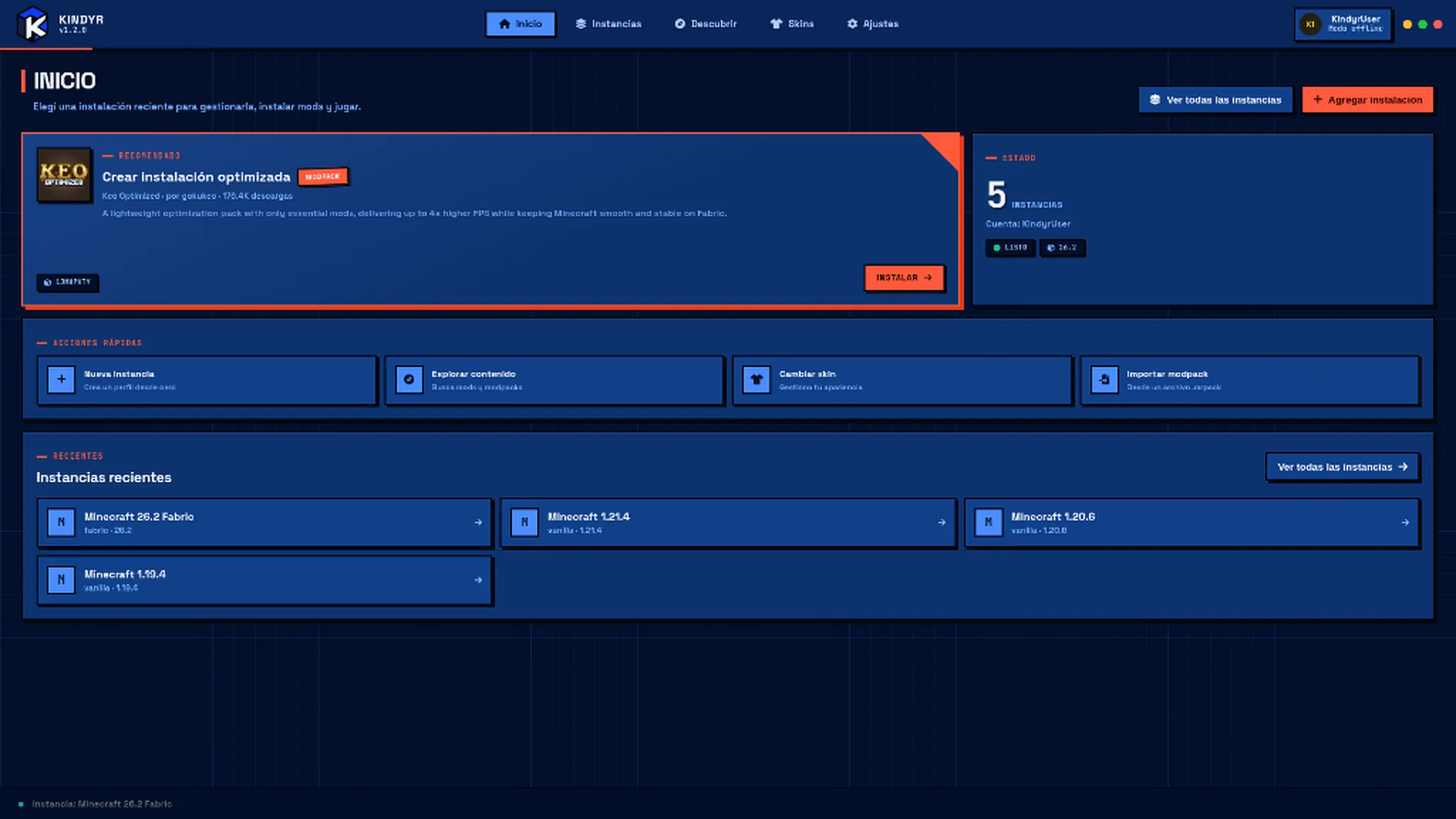
The tools you use before jumping into Minecraft, connected inside the same experience.
Separate versions, loaders, worlds and mods. Try something new without touching the setup that already works.
Search for mods and modpacks without jumping between the browser, downloads and folders.
Turn a Modrinth package into an organized instance that is ready to configure.
Switch accounts without losing track of what you were setting up.
Kindyr is an open project: you can review the code, follow the changes and report issues.
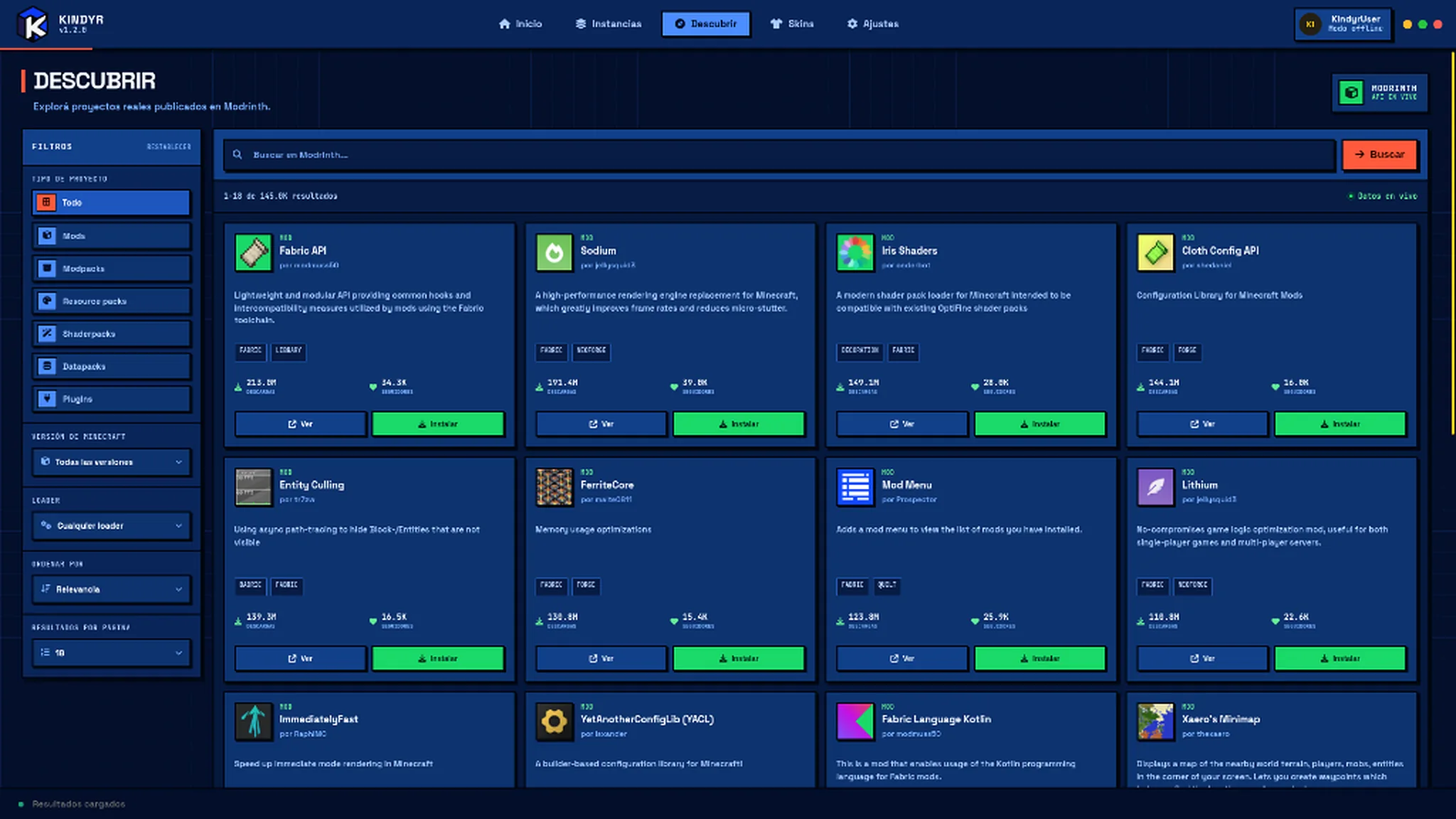
Browse mods and modpacks from Modrinth inside the launcher. Pick an instance and keep every download where it belongs.
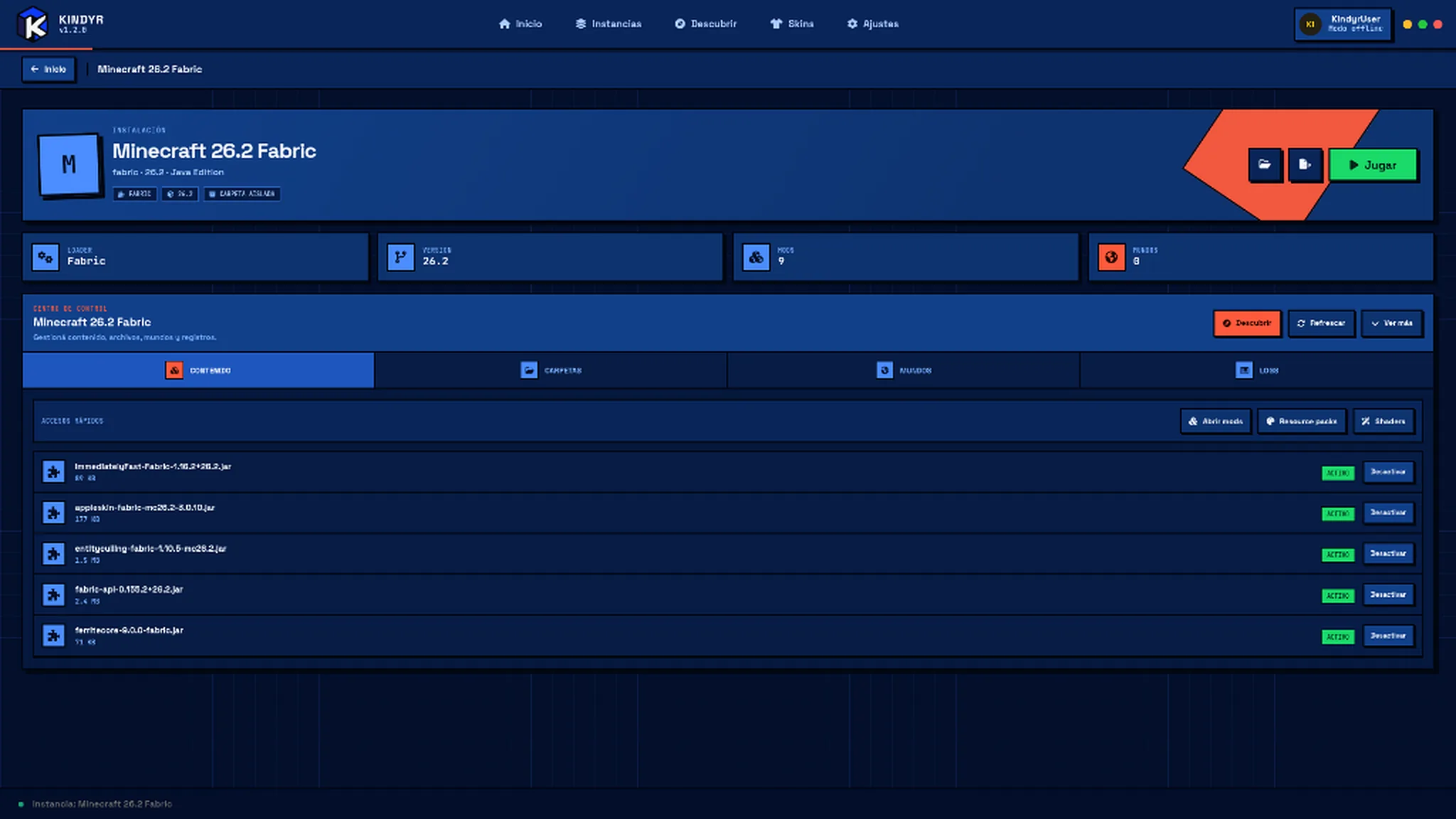
Keep a Vanilla instance, another with Fabric and one to try a modpack. Each keeps its own version, loader, content and settings.
Kindyr replaces the download, move, install and reconfigure routine with one connected experience.
Review how it works, follow development and take part on GitHub.
OPEN REPOSITORY ↗The launcher focuses on your instances, your content and the play button.
The same visual and functional experience for the two main systems of the project.
Create and manage Minecraft instances, work with different versions and loaders, browse Modrinth content, import .mrpack packages and manage accounts from a single app.
Kindyr is designed to work with Vanilla experiences and loaders like Fabric, Forge, NeoForge and Quilt. Exact compatibility depends on each version and the development state.
No. The launcher aims to keep a clean, direct experience with no built-in advertising.
Yes. The project code is publicly available on GitHub, along with progress, reports and releases.
OPEN SOURCEDownload Kindyr and set up Minecraft from a launcher built to keep everything in its place.
Independent project. Not affiliated with Mojang Studios or Microsoft.